
Getting started
From your register to a live tenant in weeks.
Start with the fictional demo. When the workflow fits, we map your register, agree the method and hosting, and put scope, price and acceptance criteria in writing. Typical onboarding takes two to four weeks.
Four steps
Move at the pace of the register.
No connector or migration project is needed: the first import uses the files you already keep.
Step 1
See the product
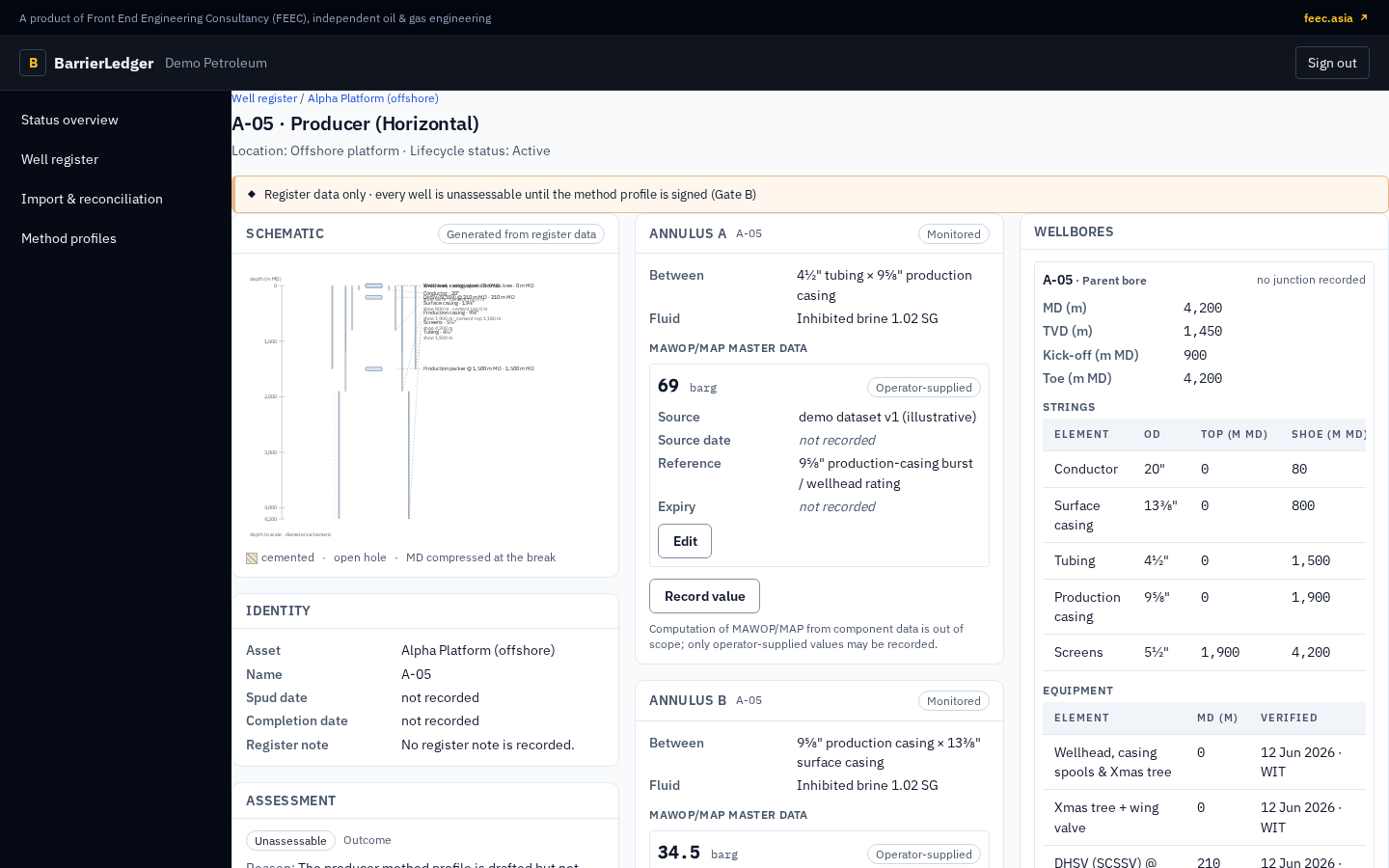
A walkthrough on Demo Petroleum, a fictional tenant: register and schematics, annulus readings, the test schedule, the monthly review and the assessment basis.
Step 2
Review your register and limits
Bring a sample workbook and the source, date and reference behind each MAWOP/MAP. We map it, show the data gaps and reconcile it against your own figures.
Step 3
Agree method and hosting
The method profile for each of your well types and your tenant policy are agreed, along with hosting and the Data Processing Agreement.
Step 4
Go live
Start with a pilot, sized for 20 or 50 wells and credited to year 1, or go straight to a subscription. Onboarding sets up your wells from templates, loads twelve months of history and runs in parallel with your register.
Data readiness
What to have ready.
None of it needs to be tidy. Gaps are flagged during mapping, and the register health check exists for exactly this.
- Your current barrier register or integrity spreadsheet
- Casing and tubing tallies, cement tops and completion summaries
- Deviation surveys for deviated, horizontal and multilateral wells
- MAWOP/MAP per annulus, with the study or document it comes from
- Twelve months of annulus pressure readings
- Integrity test records and your integrity policy
Start with a conversation
Bring the register questions you need answered.
We will show the working product on fictional data and agree what a useful pilot on your own wells would look like.